

Introduction
MacBooks, known for their sleek design and performance, occasionally face the issue of bending. The MacBook bend can affect both the aesthetic appeal and functionality of your device. Recognizing the causes and exploring solutions are crucial steps in protecting and maintaining your MacBook’s integrity. By addressing these concerns, users ensure their laptops remain efficient and visually pleasing.

What is the MacBook Bend?
The MacBook bend refers to a deformation where the frame of the laptop is not perfectly straight, leading to a noticeable warp. This can be detected by observing the device when placed on flat surfaces, checking for stability or visible misalignment. A proper understanding of these symptoms enables users to take timely corrective actions, ensuring minimal disruptions in usage.
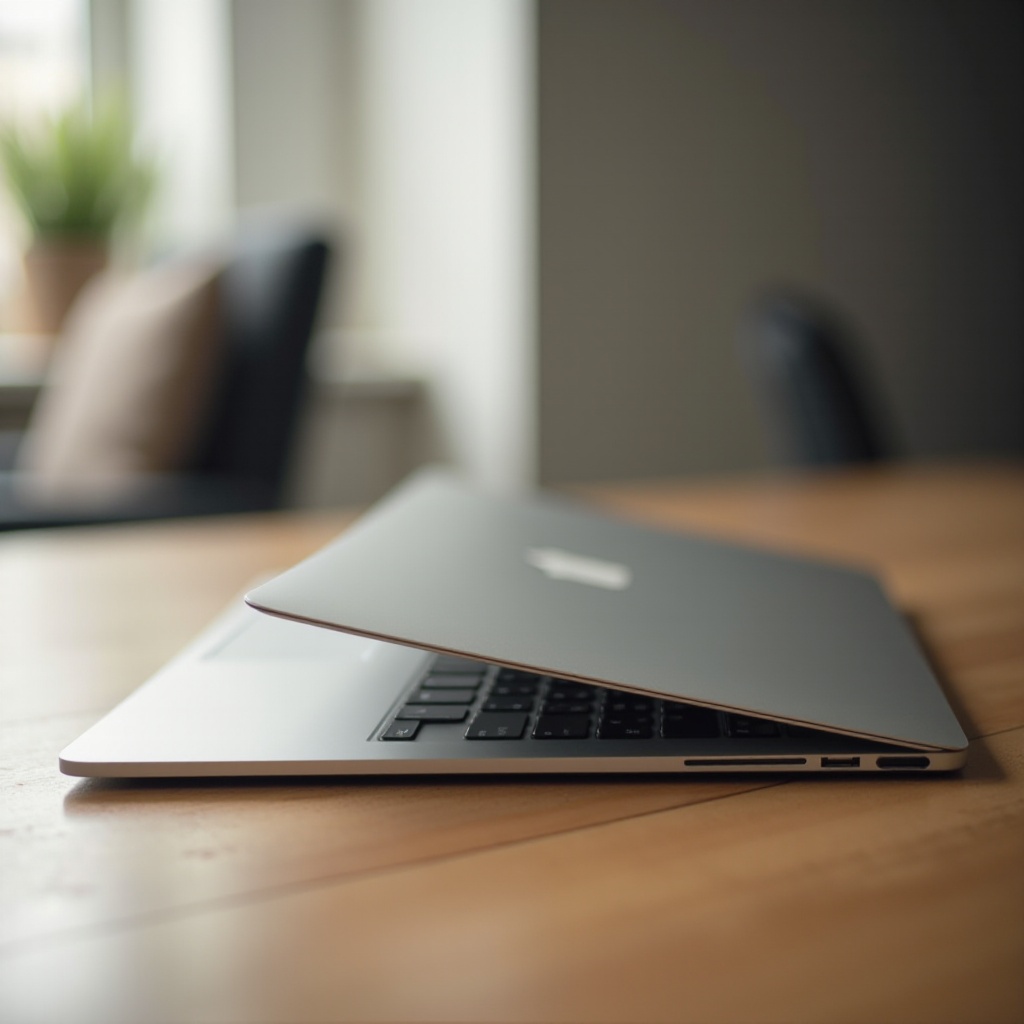
Causes of MacBook Bend
Identifying the factors leading to a MacBook bend helps in devising preventative measures. Common causes include:
- Design Considerations: The trend towards making slimmer, lighter laptops enhances portability but increases susceptibility to bending.
- Manufacturing Inconsistencies: Occasionally, production issues can result in variants with a higher tendency to bend.
- User Handling: Improper handling, such as carrying with one hand, and placing weighty items on top, elevates the risk of bending.
- Environmental Influence: Exposure to extreme temperatures or humidity might affect the materials, promoting warping over time.
Understanding these causes provides users with insights into precautionary actions, ultimately reducing the likelihood of encountering such an issue.
Solutions for a Bent MacBook
In the unfortunate event that your MacBook becomes bent, various solutions can be adopted:
- DIY Evaluation: Initially, gauge the extent of the bend. Align your MacBook on a flat surface to diagnose the distortion level.
- Minor Fixes: For slight bends, carefully applying opposing pressure may temporarily realign the frame. Exercise caution to avoid exacerbating the damage.
- Professional Repair: When the bend is severe or affects functionality, opting for professional repair services is recommended. Expert technicians and Apple support can offer enduring solutions.
By promptly addressing the bend, users mitigate further damage, ensuring continued optimal performance.
Preventive Measures to Avoid MacBook Bend
Adopting preventive strategies is key to preserving your MacBook’s condition. Consider these measures:
- Proper Handling: Use both hands when carrying the MacBook and avoid placing it under pressure from other items.
- Protective Gear: Invest in a robust case or sleeve that distributes pressure evenly. Laptop stands assist in keeping the device stable on uneven surfaces.
Implementing such precautions considerably lowers the risk of your device bending, promoting its longevity and usability.

Evaluating Apple’s Response and Improvements
Apple acknowledges the concerns regarding MacBook bending and has proactively addressed these through product enhancements. In 2024, significant design innovations focusing on reinforced structural integrity were introduced. Apple continues to prioritize customer satisfaction by offering repair services and integrating sturdy materials into newer MacBook models.
These improvements underscore Apple’s dedication to enhancing product quality, offering assurance to users regarding the reliability of their MacBooks.
Conclusion
Maintaining a MacBook involves understanding potential issues like bending and implementing preventative strategies. Proper handling, utilizing protective accessories, and staying informed about Apple’s design improvements are integral to preserving your laptop. With these measures in place, users can enjoy a seamless MacBook experience, free from concerns about structural damage.
Frequently Asked Questions
How can I tell if my MacBook is bent?
Place it on a flat surface and observe any wobbles or visible misalignment on the case.
Will a bent MacBook affect its performance?
Yes, a substantial bend can impair screen functionality and compromise internal components.
What are the best accessories to prevent bending?
Using a robust protective case and a laptop stand helps distribute pressure evenly and safeguard the MacBook.