

Introduction
Getting your gaming session off to the right start often hinges on a small but critical task: inserting a disc into your PS4. While it might seem straightforward, mishandling can lead to unnecessary glitches or damage. This guide provides you with a clear, step-by-step approach to ensure that your physical media performs flawlessly every time.
Understanding Your PS4’s Disc Drive
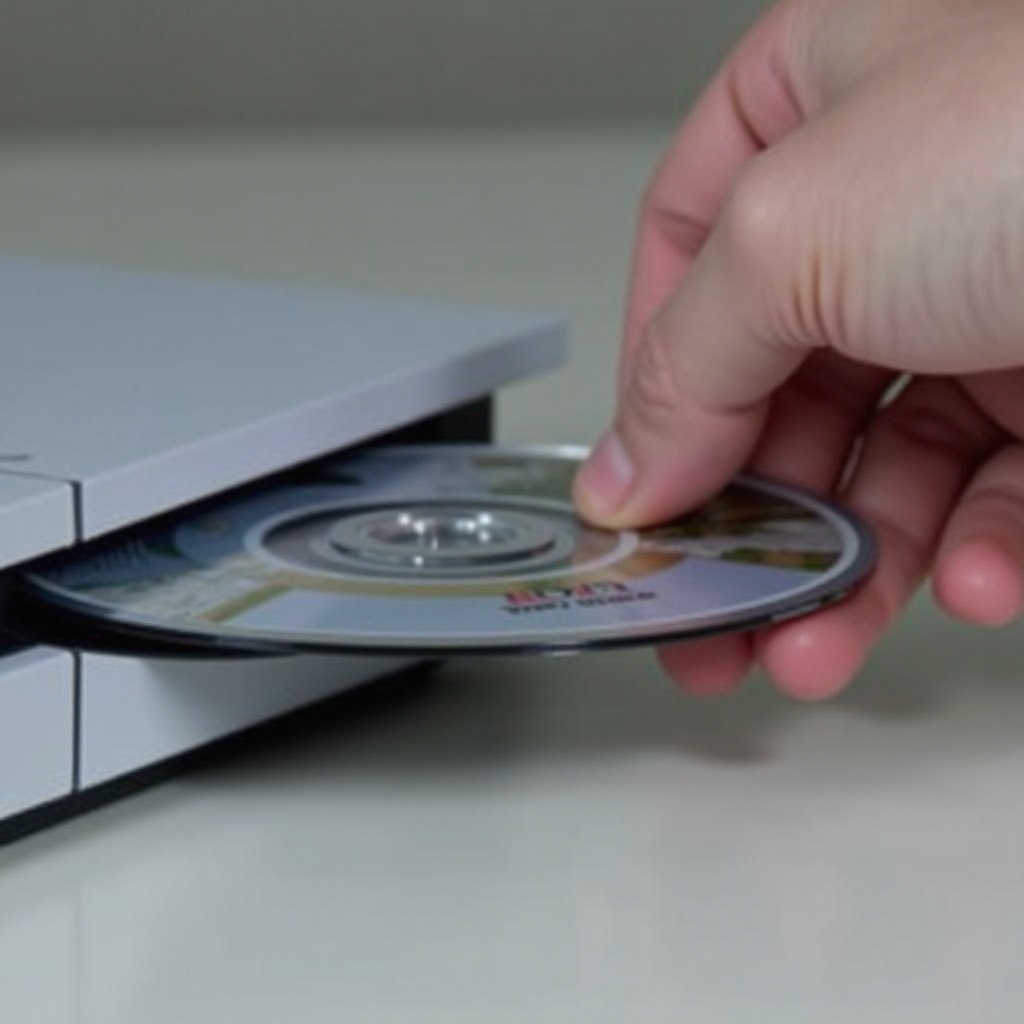
Before diving into the process of disc insertion, it’s beneficial to understand the disc drive’s role and design. Located on the front of the console, the disc drive is the gateway through which physical media interacts with your PS4. Models like the PS4 Slim and PS4 Pro may differ slightly in their disc slot design.
Knowing these differences enables you to handle the discs correctly and avoid common mistakes. This understanding sets the stage for preparing your console—ensuring it is clean and ready for use.
Preparing Your Console for Disc Insertion
To ensure a hassle-free disc insertion process, it’s essential to prepare your console properly:
- Power On Your Console: The PS4 must be turned on for the drive to function correctly. Connect to a power source and activate it by pressing the power button.
- Update System Software: Head to settings and choose ‘System Software Update’ to check for any new updates. Install them to keep your PS4 running smoothly.
- Inspect the Disc Slot: Ensure the drive is free from dust or obstacles by gently blowing air into the slot.
- Check the Disc Surface: Verify that your disc is free of scratches or dirt, which could impede correct reading by the PS4.
With your console and disc in optimal condition, you can now proceed to the actual process of inserting the disc.
Step-by-Step Guide to Inserting a Disc into Your PS4
Follow these steps to insert a disc into the PS4 accurately:
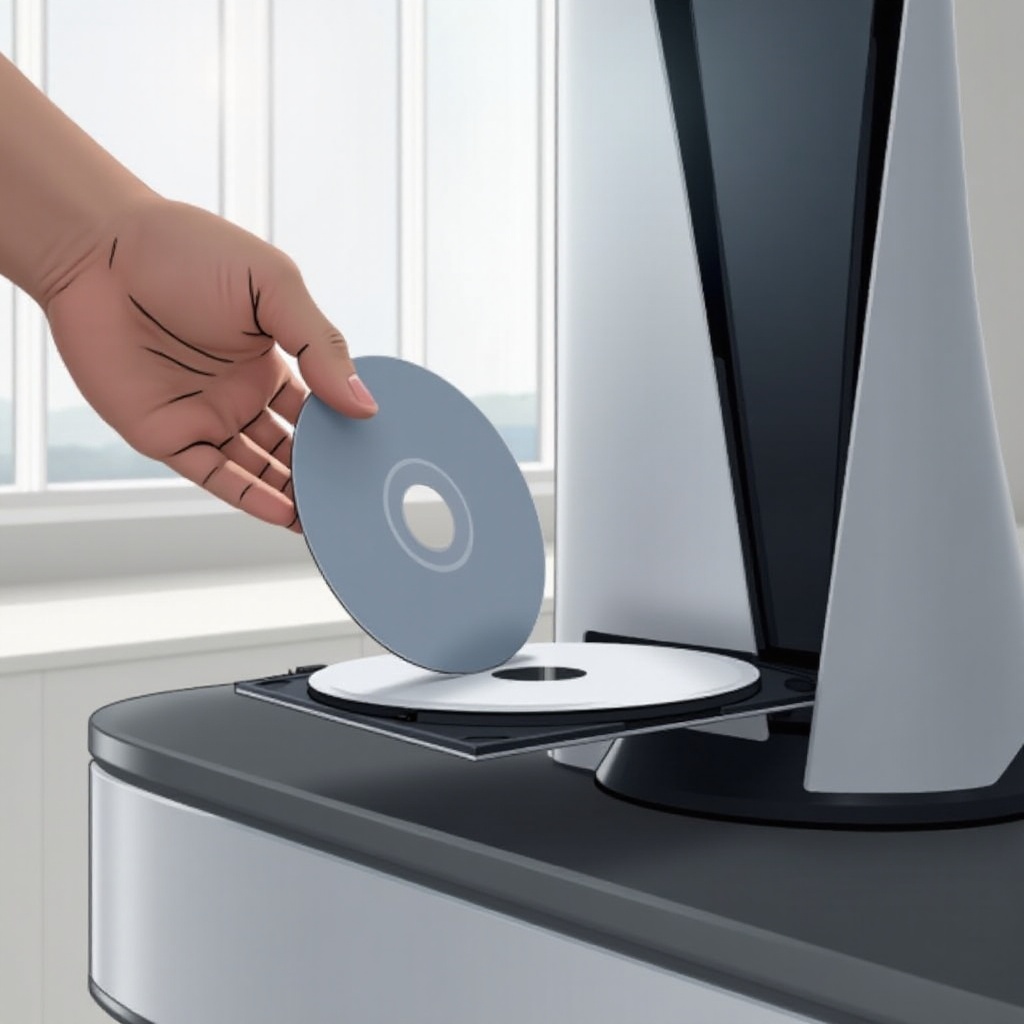
- Correct Disc Orientation: Hold the disc so that the label faces upwards, aligning it with the disc slot’s arrow indicator.
- Smooth Insertion: Gently push the disc into the slot until the internal mechanism takes over.
- Load Confirmation: Once inside, the PS4 should begin reading the disc, appearing in the menu shortly. Select it to commence play.
Understanding this process helps prevent technical issues during gaming sessions. Naturally, if issues do arise, subsequent steps will help resolve common problems.
Troubleshooting Common Disc Insertion Issues
If problems occur while inserting a disc, consider these troubleshooting methods:
- Disc Stuck in Drive: For ejecting, hold the eject button for a few seconds. Utilize the manual eject feature if this option fails.
- Unreadable Disc: Power down your PS4, clean the disc, and retry. Persistent issues may point to disc damage or drive malfunction.
- Disc Rejection: Incorrect orientation or an impaired drive might be the cause. Reattempt with correct alignment before exploring further assistance.
These troubleshooting steps should address most common issues. For unresolved cases, professional support might be necessary to prevent harm.
Caring for Your Discs and PS4
Maintaining both your discs and console prolongs their lifespan and ensures optimal operation:
- Proper Handling: Always grip discs by the edges to avoid fingerprints and scratches.
- Safe Storage: Store your discs in cases when not in use, protected from heat and sunlight.
- Routine Cleaning: Keep your PS4’s exterior clean and dust-free to avoid overheating.
- Regular Updates: Install system updates as they become available to maintain functionality and security.
These practices protect your gaming investment, preventing many common usability issues and enhancing your experience.
Conclusion
Mastering the technique of inserting a disc into your PS4 is essential for any gamer using physical media. Adhering to these guidelines helps ensure a seamless gaming experience while maintaining your equipment’s longevity. Simple routine care and awareness prevent potential problems, securing countless hours of enjoyment from your console.
Frequently Asked Questions
Why won’t my PS4 accept the disc?
Incorrect disc orientation or debris in the disc slot can hinder disc acceptance. Verify these factors before seeking further help.
Can inserting a disc the wrong way damage my PS4?
Though incorrect insertion typically causes no harm, repeated errors may scratch the disc or affect the drive.
How can I fix a disc that is not being read?
Check for cleanliness and scratches on the disc. Persistent reading issues may require examination of the console’s disc drive.