

Introduction
Bluetooth keyboards are essential accessories that transform how we use our iOS devices by offering comfort and efficiency. For those using iPhones or iPads for work, study, or entertainment, a Bluetooth keyboard can significantly elevate productivity by simplifying typing tasks. This article delves into the best Bluetooth keyboards available for iOS in 2024, highlighting their features, compatibility, and connectivity. Let’s explore how the right keyboard can enhance your iOS experience.

Why Choose a Bluetooth Keyboard for iOS?
A Bluetooth keyboard offers several advantages for iOS users, mainly by allowing users to connect wirelessly to their iPhones or iPads, delivering a clutter-free typing experience.
-
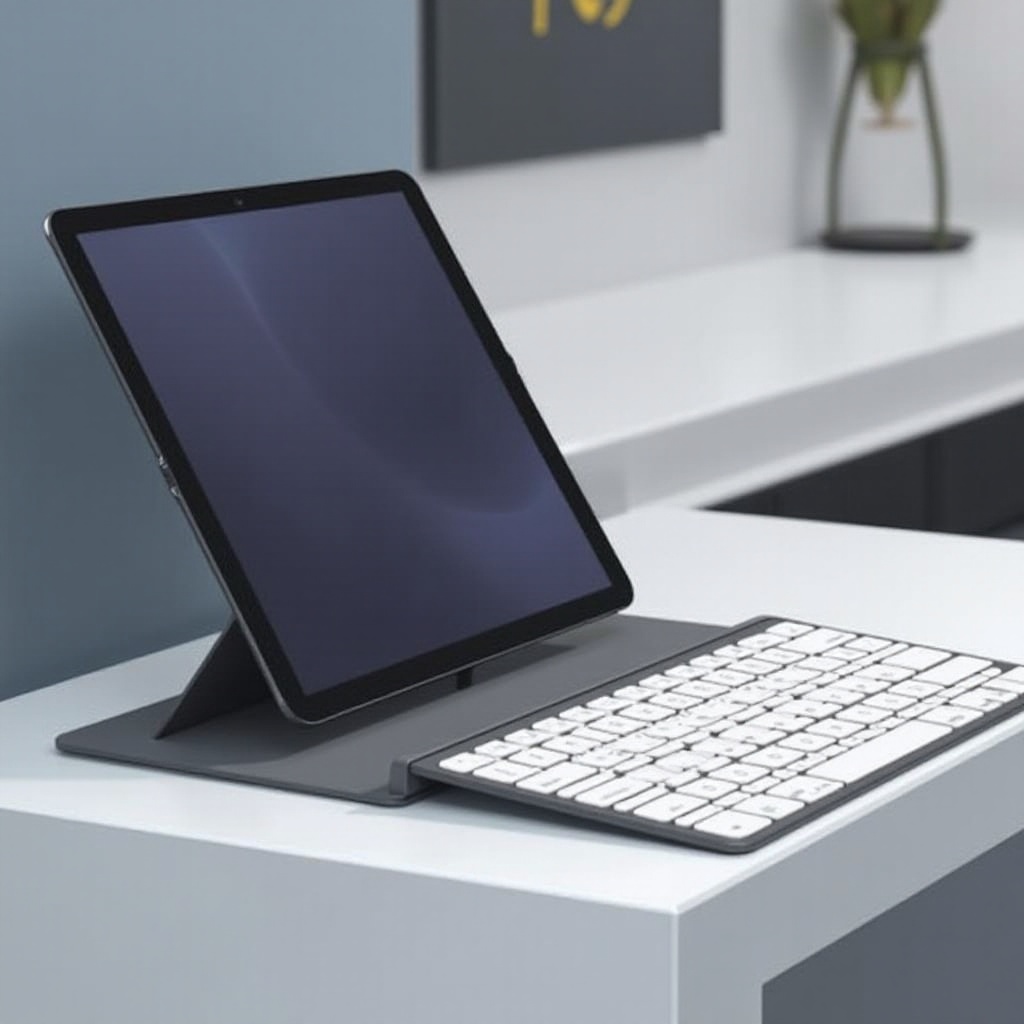
Benefits of Using Bluetooth Keyboards: Portability and flexibility are the standout benefits. Bluetooth keyboards can transform an iPad into a near-laptop setup, perfect for composing documents, editing spreadsheets, and managing emails. Additional function and shortcut keys designed for iOS boost productivity further.
-
Common Use Cases for iOS Devices: Students gain a reliable note-taking tool in classrooms, professionals can handle assignments on the go, and gamers benefit from precise controls. These keyboards suit a variety of iOS users by offering a consistent and familiar typing experience regardless of the environment.
Understanding these advantages makes choosing a keyboard that meets your needs easier, which requires knowing the important features to watch for.
Features to Look for in a Bluetooth Keyboard for iOS
Choosing the right Bluetooth keyboard involves considering several key features to ensure it meets your specific requirements.
-
Compatibility and Connectivity: Ensure the keyboard supports your device model and iOS version. Reliable connectivity, preferably through Bluetooth 5.0 or later, is crucial for maintaining a stable connection without frequent interruptions.
-
Design and Portability: Prioritize lightweight, ergonomic designs for ease of use, especially during prolonged typing sessions. Portability is enhanced by foldable designs or compact sizes that easily fit in a bag.
-
Battery Life and Sustainability: Long-lasting battery life remains a significant consideration for wireless keyboards. Look for those that charge via USB for convenience, and consider those constructed with sustainable materials for eco-friendliness.
With these features in mind, you can explore some of the top Bluetooth keyboard options available in 2024.

Top Bluetooth Keyboards for iOS in 2024
Numerous models cater to iOS users, but here are some of the most recommended Bluetooth keyboards in 2024:
-
Apple Magic Keyboard: Renowned for its sleek design and build quality, it integrates seamlessly with iOS devices. It features a rechargeable battery and improved scissor mechanism for comfortable typing.
-
Logitech K380 Multi-Device Bluetooth Keyboard: This keyboard sets itself apart by connecting to multiple devices at once, with an impressive two-year battery life and robust durability. It’s ideal for multitaskers with quick device-switching capability at the touch of a button.
-
Brydge 10.2 Wireless Keyboard: Custom-built for iPads, the Brydge 10.2 features an aluminum body and backlit keys, offering a laptop-like typing experience. Adjustable angles enhance on-the-go usability.
Choosing from these top models ensures alignment with your preferences and needs. Next, understanding the connection process will help you maximize the keyboard functionalities.
How to Connect a Bluetooth Keyboard to Your iOS Device
Connecting your Bluetooth keyboard to an iOS device is straightforward, using the following steps:
- Turn on the Keyboard: Ensure the Bluetooth keyboard is powered on and in pairing mode.
- Open Settings: On your iOS device, go to ‘Settings’ and select ‘Bluetooth’.
- Enable Bluetooth: Ensure Bluetooth is turned on. Your device will start scanning for available devices.
- Select Your Keyboard: Find and select your keyboard from the list of available devices.
-
Complete Pairing: Follow any on-screen prompts to complete the pairing.
-
Troubleshooting Common Issues: If connections fail, restart your iOS device or reset the keyboard. Confirm that Bluetooth is enabled and try re-entering pairing mode.
Once your keyboard is connected, you are set to enhance your productivity with improved typing comfort and speed.
Conclusion
The right Bluetooth keyboard can significantly improve your productivity with iOS devices. With options like the Apple Magic Keyboard, Logitech K380, and Brydge 10.2, each offering unique advantages, you can select one that best fits your usage style. By focusing on compatibility, design, and battery life, you can enjoy a streamlined and efficient iOS experience.
Frequently Asked Questions
Can I use any Bluetooth keyboard with my iOS device?
Not all Bluetooth keyboards are compatible with iOS devices. Ensure the keyboard is designed for your iOS version.
How do I troubleshoot connectivity issues with my Bluetooth keyboard?
Try restarting your iOS device, resetting the keyboard, or ensuring Bluetooth is enabled. Re-enter pairing mode if needed.
Are there any security concerns with using Bluetooth keyboards?
Generally, Bluetooth keyboards are secure. Connect in trusted environments and keep devices updated for security.