

Introduction
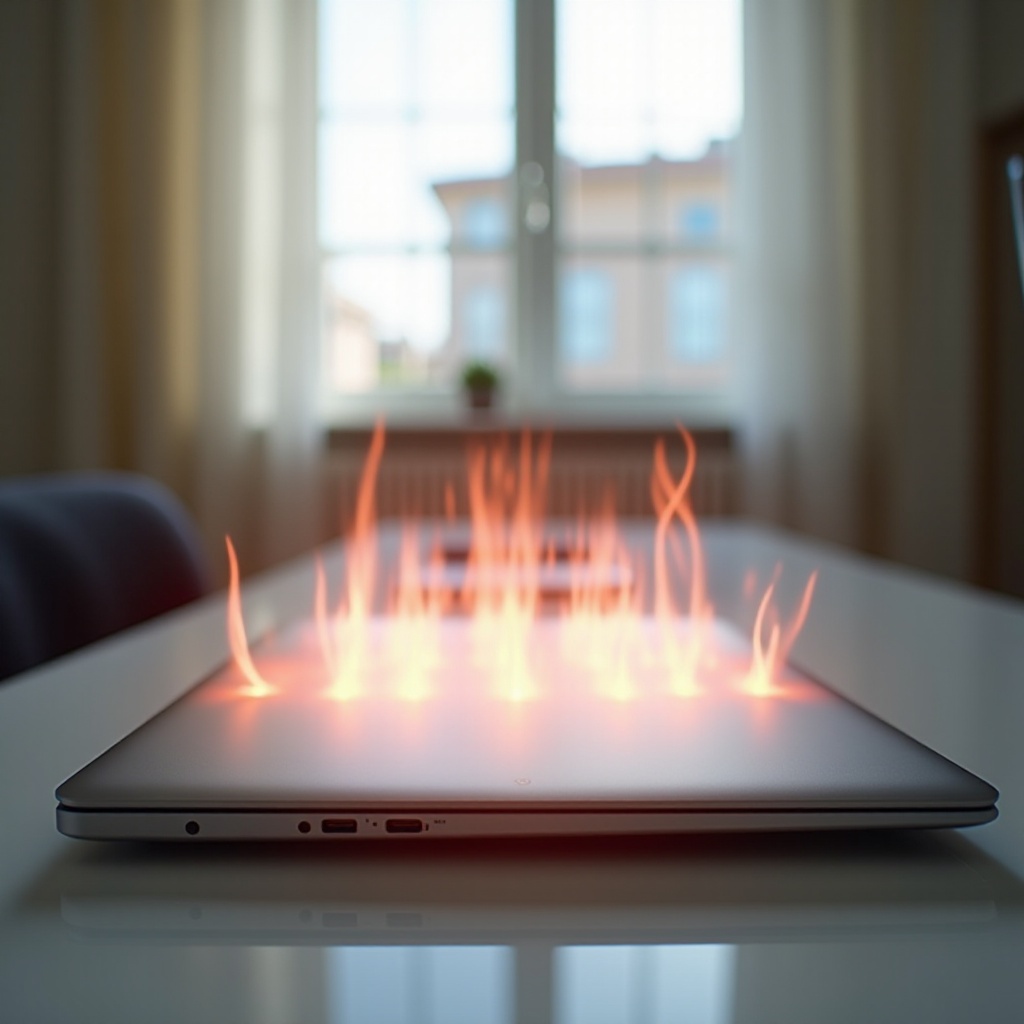
Chromebooks offer efficiency and portability, making them a popular choice for students and professionals. However, these devices sometimes become hotter than usual, leading to potential performance issues and long-term damage if not addressed promptly. Understanding the reasons behind overheating, along with effective solutions, helps in maintaining your Chromebook’s optimal performance.

Common Causes of Chromebook Overheating
Chromebooks can overheat for a variety of reasons. Understanding these will aid in preventing future issues.
-
Environmental Factors: External temperatures and humidity levels can significantly affect your Chromebook’s internal temperature. Operating the device in high ambient temperatures or under direct sunlight can cause it to heat up quickly.
-
High-Demand Applications: Running multiple or resource-intensive applications places a strain on your Chromebook, often resulting in overheating.
-
Usage Habits and User Errors: Keeping numerous browser tabs open or placing the Chromebook on soft surfaces that block ventilation can lead to heat buildup.
With these causes in mind, recognizing specific overheating symptoms is crucial for preventing further issues.
Identifying Symptoms of Overheating
It’s important to recognize the signs of overheating early to take swift action. Indicators that your Chromebook may be overheating include:
- The fan running continuously or more loudly than usual
- The device becoming hot to touch, particularly around the battery or processor area
- Performance issues such as sluggish processing or unexpected shutdowns
Identifying these symptoms timely allows you to apply corrective measures, preventing more severe damages.

Immediate Solutions to Cool Down Your Chromebook
When you notice your Chromebook getting hot, applying these quick solutions can help alleviate overheating:
-
Adjusting Settings: Lower the screen brightness and close unnecessary apps and tabs. Optimizing your Chromebook’s settings decreases the workload and heat output.
-
Improving Ventilation: Position your Chromebook on a hard, flat surface. Stands or cooling pads can enhance airflow, keeping the device cooler.
-
Using Cooling Accessories: External cooling solutions such as USB fans or cooling pads can increase the device’s cooling capacity effectively.
By implementing these immediate solutions, you lay the groundwork for preventive measures to avoid future overheating.
Preventive Measures for Avoiding Future Overheating
Preventing overheating involves more than quick fixes; consistent maintenance and proper usage practices are essential.
-
Regular Maintenance and Cleaning: Dust can clog your Chromebook’s vents, obstructing airflow. Regular cleanings with compressed air ensure effective ventilation.
-
Software Updates and Management: Keeping your Chromebook’s OS and applications updated ensures they run efficiently and don’t unnecessarily strain the hardware.
-
Proper Usage Environment: Use your Chromebook in well-ventilated areas, away from direct sunlight, and avoid soft surfaces for prolonged periods.
Implementing these preventive measures will minimize the risk of overheating, yet persistent issues require professional assessment.
When to Seek Professional Help
If your Chromebook continues to overheat despite your efforts, consulting a professional is advisable. Persistent overheating may indicate deeper hardware issues, especially involving the battery or internal components. Professionals can diagnose and provide solutions, ensuring your Chromebook operates within safe temperature ranges.
Conclusion
Overheating Chromebooks can be concerning, but understanding and managing the issue effectively can mitigate risks. By identifying symptoms early, applying quick cooling solutions, and prioritizing preventive maintenance and proper usage habits, you can ensure the longevity and optimal performance of your Chromebook.
Frequently Asked Questions
How often should I clean my Chromebook to prevent overheating?
It’s recommended to clean the vents and remove dust buildup every few months, depending on your environment’s dust levels and usage frequency.
Can a faulty charger cause my Chromebook to overheat?
Yes, using a non-compatible or faulty charger can lead to overheating by delivering incorrect voltage levels that strain your device.
Is it normal for Chromebooks to warm up during usage?
A slight temperature increase is normal during usage, especially when performing heavy tasks. If it becomes too hot to touch, further investigation is necessary.