

Introduction
An Xbox 360 with a disc tray that refuses to open can be a huge frustration, disrupting your gaming sessions and causing unnecessary hassle. This problem often plagues older consoles, but fear not, because this guide aims to provide you with a permanent solution. By understanding the issue, equipping yourself with the right tools, and carefully following a series of steps, you can restore your console to full functionality. Let’s get started on getting your gaming back on track.
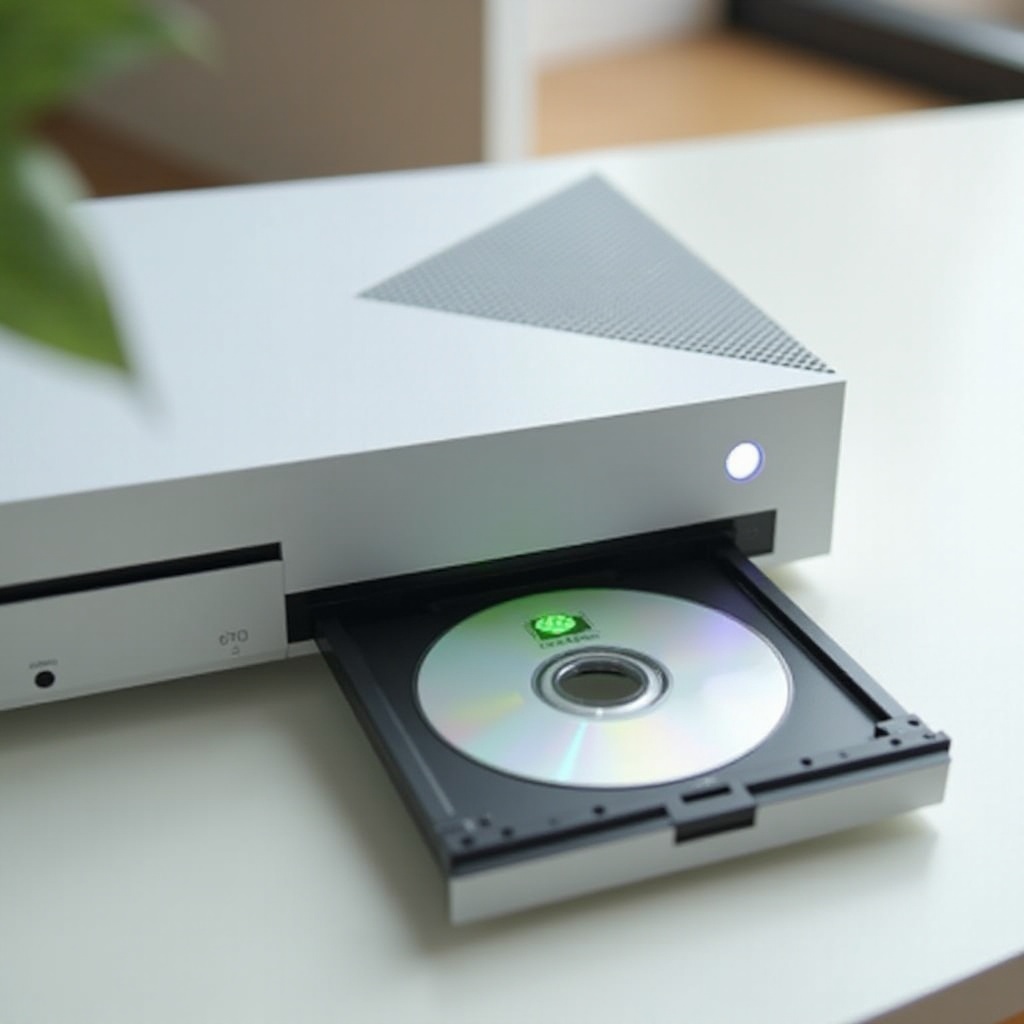
Understanding the Xbox 360 Disc Tray Issue
The inconvenience of a jammed disc tray typically results from wear, tear, or mechanical failure. Common symptoms include the tray being stuck, failing to respond to eject commands, or making strange noises that suggest trouble. Recognizing these signs helps avoid further damage and facilitates troubleshooting.
The root causes often lie within the console’s internal components such as the drive belt or motor, which may malfunction over time. Additionally, dust accumulation can obstruct the tray, and gear misalignments may affect operation. Grasping these underlying issues allows you to apply an appropriate and enduring fix, ensuring trouble-free gaming in the future.
Tools and Safety Precautions
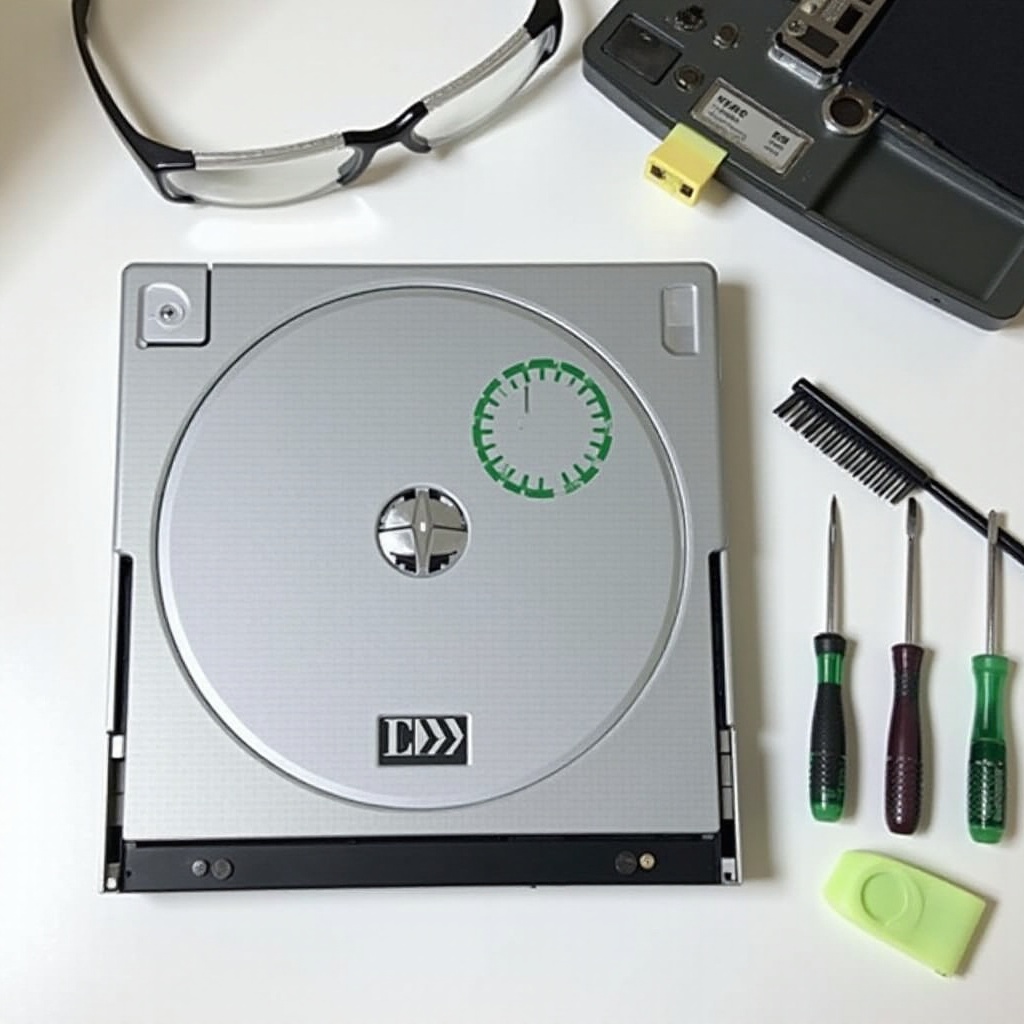
Before diving into the fix, make sure you’re properly equipped. Here’s what you’ll need:
- A small screwdriver set
- A can of compressed air
- Lubricant
- A clean cloth
Safety should always be your priority. Start by unplugging the console to avoid any risk of electric shock. Handle all internal components with care to prevent accidental damage. Being prepared with the right tools and mindset sets the stage for a successful repair.
Step-by-Step Guide to Fixing the Xbox 360 Disc Tray
Addressing the disc tray issue requires patience and precision. Follow these steps for a lasting solution:
-
Initial Inspection and Troubleshooting:
Begin with a gentle press of the eject button. If non-responsive, listen closely for unusual sounds that may indicate a mechanical issue. -
Disassembling Your Xbox 360:
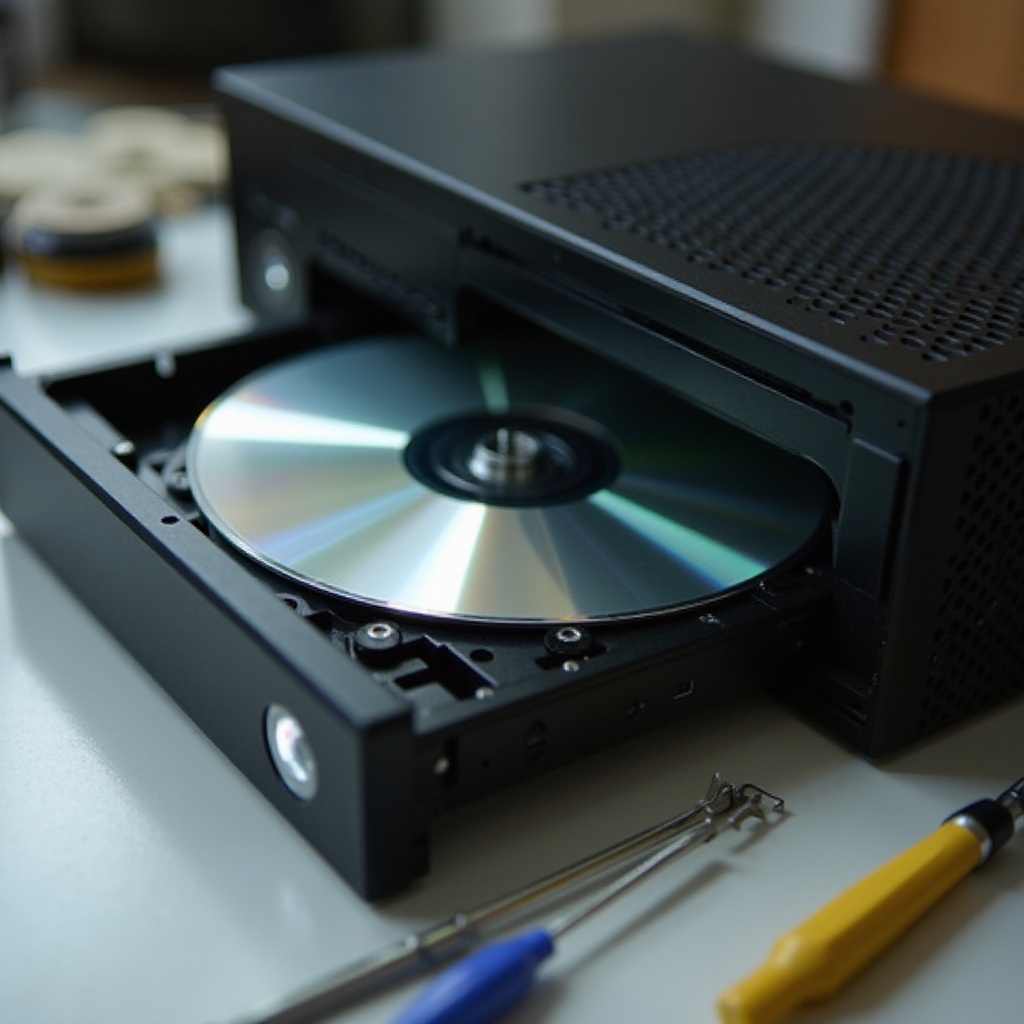
Carefully remove the console’s faceplate using the screwdriver set. Unscrew the optical drive housing, taking care to keep the screws organized for reassembly. -
Cleaning and Lubricating the Tray:
Use compressed air to blow away dust from the tray mechanism. Apply a small amount of lubricant along the tray tracks to promote smooth operation. -
Repairing or Replacing the Drive Belt:
Inspect the drive belt for wear. If necessary, replace it, ensuring it is looped correctly around the pulleys to restore proper tray movement. -
Reassembling Your Xbox 360:
Reattach and secure the optical drive housing, then place the faceplate back on the console. Power on your Xbox and test the eject function to confirm success.
By systematically going through these steps, you should have your disc tray operating smoothly once again, allowing you to delve back into your favorite games without a hitch.
Preventative Measures for Future Issues
To prevent future disc tray troubles, regular maintenance is key. Implementing these practices will prolong your console’s life:
- Dust your console and tray periodically with a dry cloth.
- Avoid stacking items on top of your Xbox to prevent overheating.
- Use a disc cleaner to ensure your game discs remain scratched and dust-free.
By adopting these habits, you not only safeguard your console against recurring issues but also enhance its performance for a better gaming experience.
Conclusion
Addressing the Xbox 360 disc tray challenge with a permanent fix ensures uninterrupted gaming sessions. By diagnosing the issue and methodically applying the steps outlined, you’ve taken control of your console’s performance. Equipped with this knowledge, you’re prepared to tackle any reoccurring problems with confidence. Enjoy your revitalized Xbox 360 and the seamless gaming it now provides.
Frequently Asked Questions
What should I do if my Xbox 360 disc tray still won’t open after following this guide?
If the issue persists, it’s advisable to consult a professional repair service to prevent any further damage.
Is it safe to attempt these fixes on my own?
Yes, as long as you follow all safety precautions and detailed instructions, these repairs are generally safe to perform at home.
How often should I perform maintenance on my Xbox 360?
You should perform regular maintenance every few months to keep your console in good working order and prolong its lifespan.