

Introduction
The Pixel Watch 3 redefines smartwatch personalization with its advanced customizable watch faces. Users can tailor the interface to match personal style while optimizing functional aspects that the watch offers. This guide delves into the best Pixel Watch 3 faces, showcasing how they enhance both aesthetic appeal and practical use, catering to diverse user lifestyles.
Understanding Pixel Watch 3 Display Technology
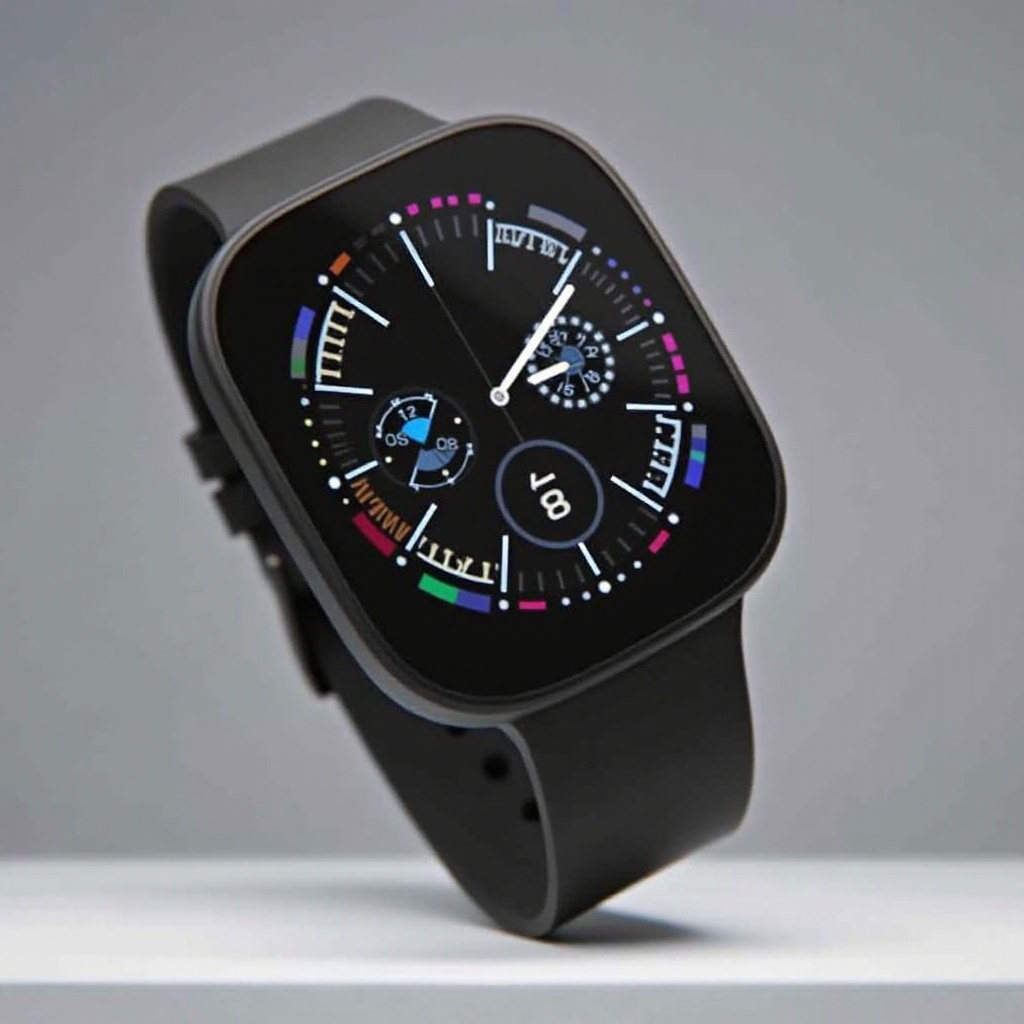
At the core of the Pixel Watch 3 is its AMOLED display, renowned for vibrant colors and deep blacks that bring every watch face to life. This display technology ensures a smooth and seamless experience, enhancing readability even in bright environments. This capability is crucial for artists and developers creating custom faces, allowing for intricate details without draining battery life. Selecting the optimal watch face requires a balance between visual appeal and the energy efficiency provided by AMOLED technology. Understanding this balance is key as it affects the watch’s usability.
Top Pixel Watch 3 Faces for Style Lovers
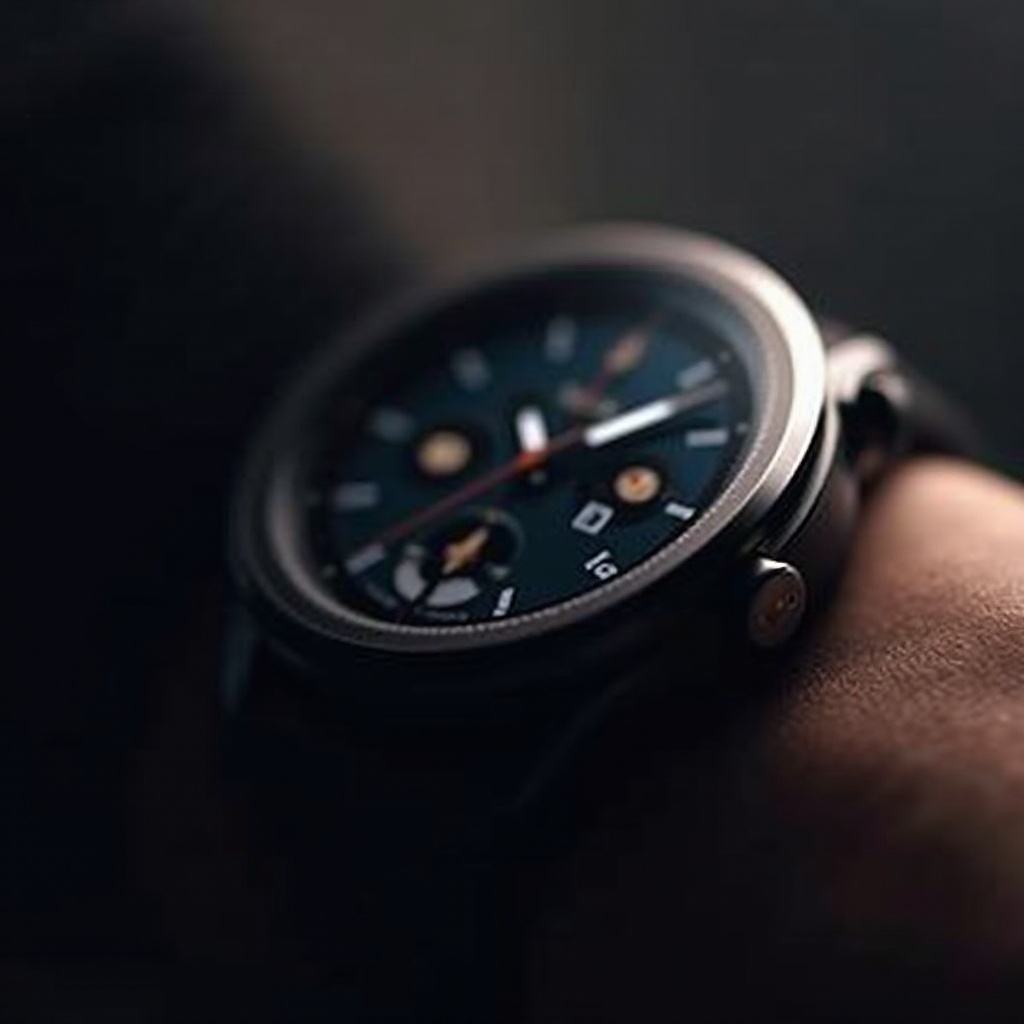
Fashion-forward users prioritize elegance and modern design. The Pixel Watch 3 offers a range of sophisticated faces that suit all occasions, from business meetings to casual outings. These faces seamlessly integrate into the watch’s sleek design, turning it into an indispensable accessory:
- Minimalist Elegance: Featuring clean lines and simple color schemes for a sophisticated look.
- Modern Classics: Revitalizing traditional designs with a modern twist, perfect for any outfit.
- Artistic Graphics: Unique and creative illustrations for those who appreciate a touch of art.
Such options not only elevate personal style but also align with the overall aesthetic of the Pixel Watch 3, ensuring your smartwatch remains a stylish part of your attire.
Function Meets Design: Faces for the Tech-Savvy
For tech enthusiasts, functionality must complement design. Pixel Watch 3 faces are crafted with features that prioritize efficiency and ease of use:
- Real-Time Data Displays: Quick access to essential information such as weather updates or appointments.
- Interactive Elements: Tap-sensitive buttons provide shortcuts to frequently used apps.
- Digital Ecosystem Integration: Seamlessly works with other apps to keep users connected and informed.
These faces ensure that the watch not only serves as a timepiece but also as a digital assistant, meeting the fast-paced lifestyle of a tech-savvy individual.
Sporty and Active Designs for Fitness Enthusiasts
Active users require faces that enhance workout routines and health tracking capabilities. Pixel Watch 3 provides tailored faces for fitness enthusiasts that encapsulate vital health metrics:
- Health Tracker Display: Comprehensive readouts for heart rate, step count, and calories burned.
- Workout Enhancements: Easily accessible workout modes and goals.
- Dynamic Readability: Bold fonts and clear visibility even during intense activities.
These designs facilitate efficient tracking, ensuring users can focus on achieving their fitness objectives with the necessary data readily available on their wrist.

Customizing Your Pixel Watch 3 Face
Customization allows users to infuse personal flair into their smartwatch experience. By using available tools and community resources, users can create a truly unique interface:
- Tools and Apps for Customization: Leverage applications like Facer or WatchMaker to design distinctive watch faces.
- Popular Community Creations: Tap into a community of creators for inspiration, modifying shared designs to meet personal preferences.
Through customization, the Pixel Watch 3 can reflect the individuality of its wearer, ensuring the watch stands out in both capability and design.
Maximizing Battery Life with Optimal Watch Faces
While aesthetics are essential, practical considerations like battery life ought not to be overlooked. The choice of a watch face can influence battery consumption significantly. Opt for faces with minimal animations and darker themes to extend battery life, as they make use of the AMOLED display’s intrinsic energy-saving capabilities. Such functionality ensures that you enjoy your preferred designs longer between charges without compromising on style or utility.
Conclusion
The Pixel Watch 3 stands out with its ability to merge personal style with functional advantages through its diverse selection of watch faces. Whether you’re a fashionista, tech enthusiast, or fitness guru, there is a face design that complements your lifestyle. Personalization has been made accessible and enjoyable, transforming the Pixel Watch 3 from a mere wearable tech into a personalized statement.
Frequently Asked Questions
How do I change the face on my Pixel Watch 3?
To change your Pixel Watch 3 face, press and hold the current face until options appear. Swipe through the available faces and tap to select your preferred one.
Which Pixel Watch 3 face is best for battery life?
Select faces with minimal animations and darker themes to maximize battery efficiency. These options leverage the AMOLED display’s energy-conserving capabilities.
Can I create my own watch face for the Pixel Watch 3?
Yes, use apps like Facer or WatchMaker to design custom watch faces. These platforms allow you to arrange widgets, select aesthetics, and upload designs for personal use.