

Introduction
Dealing with a broken HP laptop hinge can significantly disrupt your device’s performance and usability. This common issue, often resulting from repeated opening and closing, can be resolved with a bit of patience and attention to detail. Whether you’re new to DIY repairs or have some experience, this guide provides practical advice and a step-by-step process to ensure your laptop is back in working order.
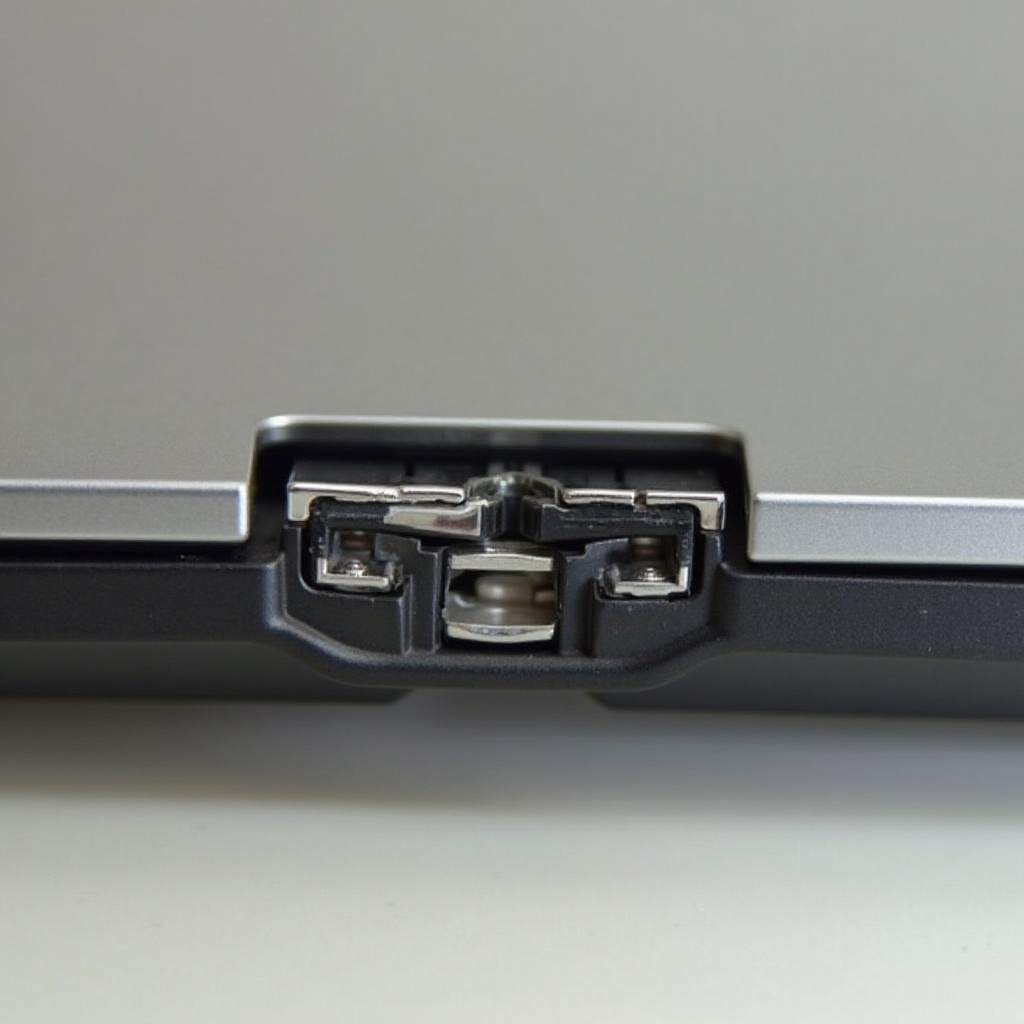
What Causes a Broken HP Laptop Hinge?
Before you dive into repairs, it’s essential to understand what typically causes hinge failure. Recognizing these issues can help prevent future damage.
- Wear and Tear: Continuous use can put stress on the hinge, eventually leading to its breakdown.
- Accidental Damage: Accidents like drops can lead to hinges cracking or breaking instantly.
- Improper Use: Forceful closing or incorrect handling can misalign or damage the hinge.
Understanding these causes can guide you in both preventing and fixing hinge issues effectively.
Tools and Materials Required
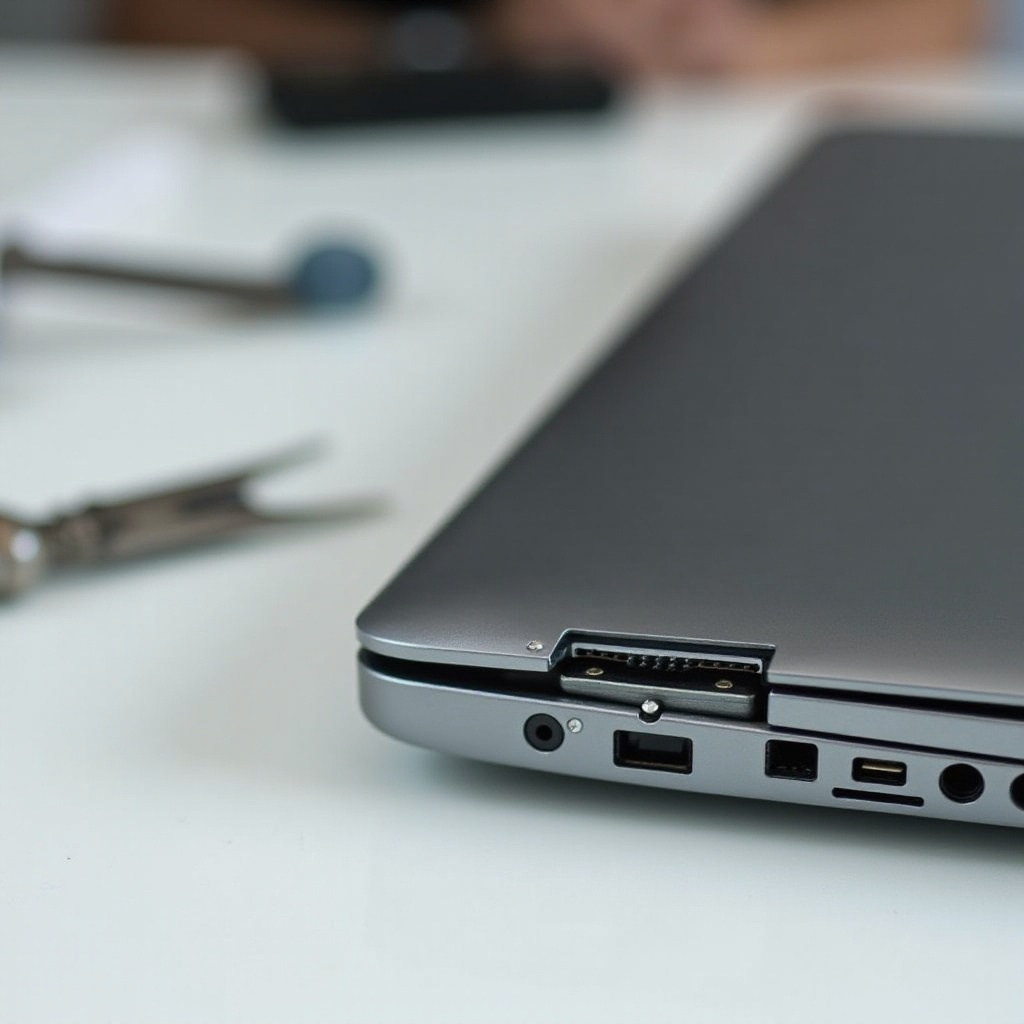
Equipping yourself with the right tools is crucial for a successfully repairing a broken hinge. Here’s what you’ll need:
- Tools: Precision screwdrivers, tweezers, and plastic spudgers will help in disassembly and reassembly.
- Materials: Ensure you have the correct replacement hinge that corresponds to your HP model and any necessary adhesive.
Having the proper tools on hand will make the repair process smoother and more efficient, setting you up for success.
Step-by-Step Guide to Fixing a Broken Hinge
Once you’ve identified the issue and prepared your materials, it’s time to start the repair process. Follow these steps carefully for the best results:
- Prepare Your Workspace:
-
Ensure a clean, flat surface with ample lighting.
-
Disassemble the Laptop:
- Turn off the laptop and unplug it.
- Remove the battery and any accessories.
-
Use a screwdriver to remove screws securing the bottom panel.
-
Remove and Replace the Hinge:
- Gently pry open the bezel around the screen using a spudger.
- Carefully lift the LCD screen to access the hinge.
-
Unscrew and remove the damaged hinge before securing the replacement.
-
Reassemble the Laptop:
- Refit the screen and bezel.
- Tighten all screws and reinsert the battery.
- Power up the laptop to ensure everything functions correctly.
By meticulously following these steps, you can repair the hinge and restore your laptop’s functionality.
Professional Repair vs. DIY: Making the Right Choice
While repairing a hinge can be a satisfying DIY project, it’s not for everyone. Here’s how to decide:
- Professional Repair Services: Opt for this if you lack the right tools or feel uncertain about the repair process. Professionals come with expertise and may offer warranties.
- DIY Repairs: Choose this if you’re comfortable with handling delicate components and wish to save money. Ensure you follow reliable guides and have the necessary tools ready.
Make the choice based on your confidence and the need for a timely repair, balancing cost and convenience.

Preventing Hinge Damage in the Future
Future hinge issues can often be avoided with simple preventative measures:
- Best Practices: Handle your laptop with care, using both hands to open and close it gently.
- Protective Measures: Invest in a laptop case or sleeve to protect against physical impacts during transport.
By adopting these mindful practices, you can extend the lifespan of your HP laptop and reduce the risk of damage.
Conclusion
Repairing a broken HP laptop hinge might seem challenging, but with this comprehensive guide, it’s an achievable task. Early intervention and proper care can significantly extend your laptop’s life, saving you from future inconveniences. Whether you favor a hands-on approach or prefer professional assistance, understanding hinge issues and applying prevention tips will ensure your laptop remains in top condition.
Frequently Asked Questions
How much does it cost to repair a broken HP laptop hinge?
Repair costs vary; DIY repairs can cost around $20-$50 for parts. Professional repairs may range from $100 to $200 depending on labor and parts.
Can a broken hinge affect other parts of my laptop?
Yes, a broken hinge can lead to screen damage or misalignment, impacting overall device functionality.
How often should I inspect my HP laptop for hinge issues?
Regular checks every few months can help identify early signs of wear, ensuring prompt repairs as needed.