

Introduction
Quality sleep is essential for maintaining optimal health and well-being. With the Pixel Watch 3, you have a sophisticated device at your disposal to seamlessly monitor and enhance your sleep patterns, transforming how you approach nighttime rest. In this guide, we will explore the Pixel Watch 3’s sleep tracking features, setup processes, and practical tips for getting the most out of your device. Prepare to embark on a journey towards better sleep and improved overall health.
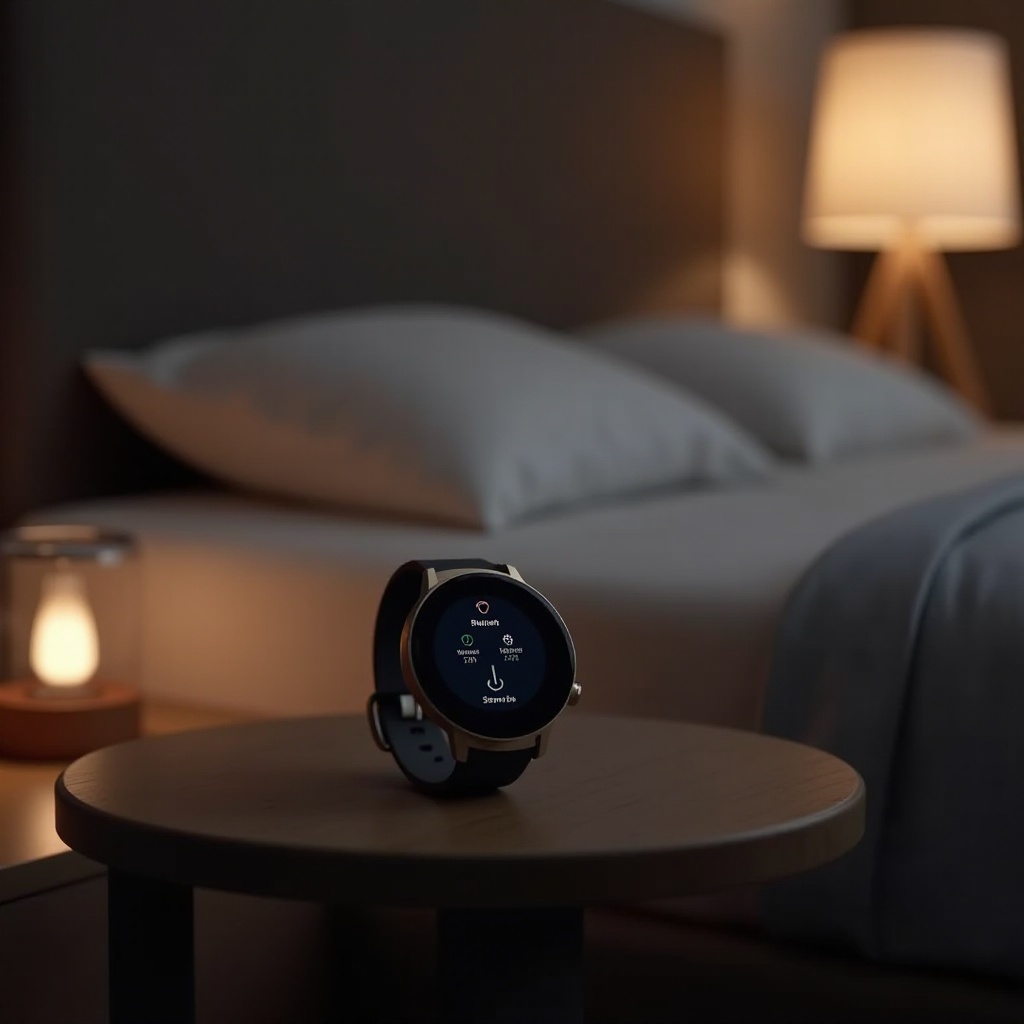
Understanding the Pixel Watch 3’s Sleep Tracking Features
The Pixel Watch 3 offers a suite of advanced features aimed at elevating your sleep tracking experience. This section provides a clear understanding of what the Pixel Watch 3 brings to the table:
- Core Sleep Tracking Capabilities: Utilizing both motion sensors and heart rate monitoring, the Pixel Watch 3 provides accurate readings of your sleep duration and sleep quality.
- Technology and Sensors Used: With integrated accelerometers and a gyroscope, the watch effectively tracks sleep stages, offering insights into light, deep, and REM sleep phases.
Understanding these features lays the groundwork for setting up and personalizing your watch for optimal sleep tracking performance.
How to Set Up Sleep Tracking on Pixel Watch 3
Setting up the Pixel Watch 3 for sleep tracking is crucial for harnessing its full potential. Here’s a step-by-step guide to ensure your watch is ready to capture your nightly rest:
- Initial Setup Process:
- Connect your Pixel Watch 3 to the Google Fit app on your smartphone.
-
Enable sleep tracking by navigating to the sleep settings within the app.
-
Personalizing Sleep Settings:
- Specify your ideal sleep and wake times to receive tailored insights and reminders.
- Adjust notifications to receive daily sleep reports directly on your device.
By customizing these settings, you can ensure the watch delivers insightful data tailored to your sleep habits.
Interpreting Your Sleep Data from Pixel Watch 3
Once your Pixel Watch 3 is set up, interpreting the collected data is key to understanding and improving your sleep health:
- Breaking Down Sleep Stages: By examining your light, deep, and REM sleep stages, you can identify patterns and potential interruptions in your sleep cycle.
- How to Read Sleep Scores: Each night, your sleep is summarized into an easy-to-understand sleep score, reflecting overall sleep quality based on duration and consistency.
Effective data interpretation enables you to make informed decisions about lifestyle changes for improved sleep quality, seamlessly transitioning into exploring the benefits of tracking your sleep with Pixel Watch 3.
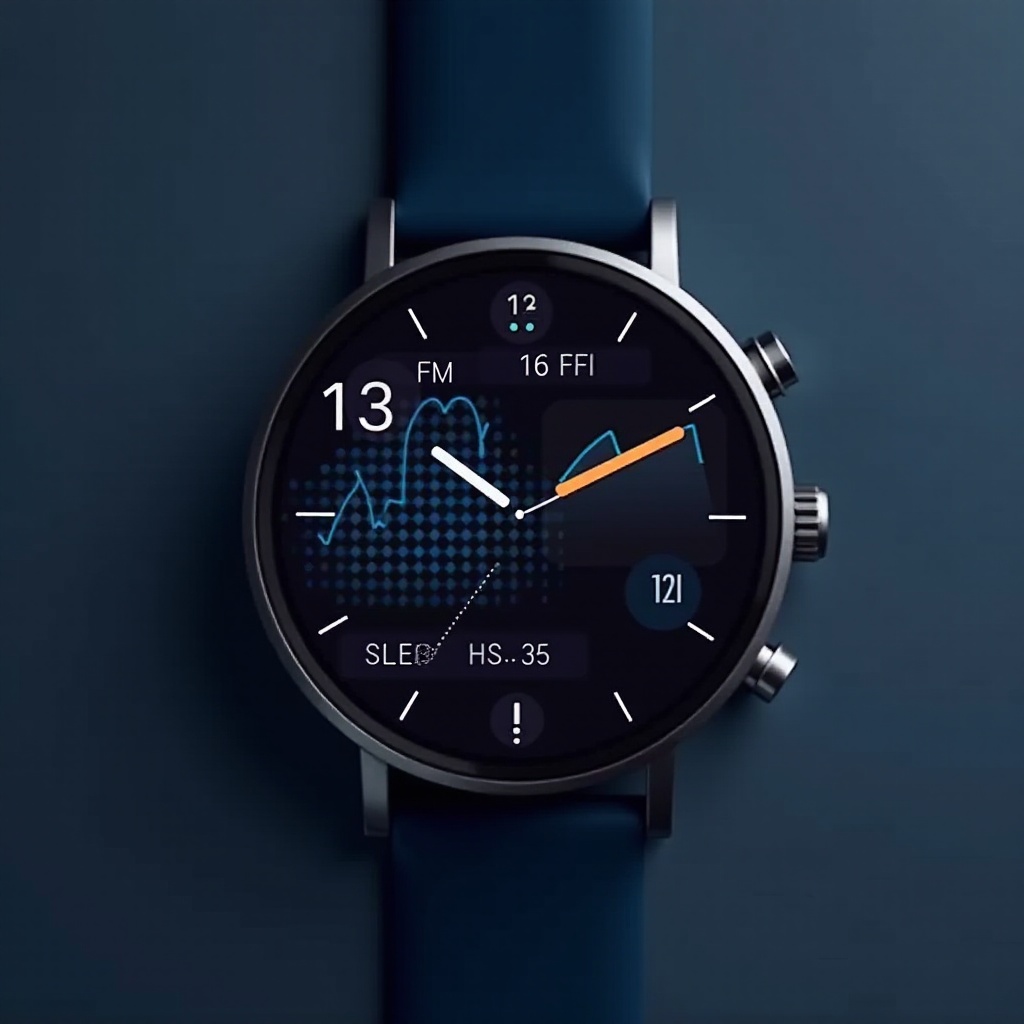
Benefits of Using Pixel Watch 3 for Sleep Tracking
The Pixel Watch 3 provides several distinct benefits when it comes to keeping tabs on your sleep health:
- Health and Wellness Improvements: Regularly tracking sleep helps identify patterns, enabling you to make necessary adjustments for better health.
- Tailored Sleep Insights: The Pixel Watch 3 provides personalized feedback and daily insights that encourage the adoption of healthier sleep habits.
These benefits transcend nighttime, influencing daily energy levels and overall wellness, making it essential to understand how the Pixel Watch 3 measures up against other available sleep tracking devices.
Comparing Pixel Watch 3 with Other Sleep Tracking Devices
The Pixel Watch 3 claims a prominent position among sleep tracking devices, and for good reason:
- Competitor Analysis: When evaluated against the likes of Fitbit and Apple Watch, the Pixel Watch 3 is noted for its detailed and precise sleep insights.
- Unique Selling Points: Its integration with Google’s ecosystem and an intuitive interface stand out as significant advantages.
A comparison gives clarity about where the Pixel Watch 3 fits into the broader market, paving the way for maximizing your sleep tracking experience.
Tips for Maximizing Sleep Tracking on Pixel Watch 3
To ensure your Pixel Watch 3 works at its best, consider these practical tips:
- Ideal Wearing Conditions: Wear the watch snugly on your non-dominant wrist to reduce unnecessary movements.
- Syncing and Data Utilization: Regularly sync your watch with the Google Fit app to keep your data updated and leverage app-based tips for enhanced sleep.
By integrating these practices, the Pixel Watch 3 will deliver the most accurate data and insights, culminating in a healthier sleep routine.
Conclusion
Incorporating the Pixel Watch 3 into your nightly routine offers a powerful approach to understanding and improving sleep. By leveraging its advanced technology and personalized insights, you can unlock a healthier sleep cycle and enhance overall wellness. Start exploring the benefits and features today and transform your approach to rest.
Frequently Asked Questions
How accurate is the Pixel Watch 3’s sleep tracking?
The Pixel Watch 3 utilizes advanced sensors and algorithms to provide accurate tracking of sleep stages and durations.
Can the Pixel Watch 3 track naps or only nighttime sleep?
Yes, the Pixel Watch 3 can track both naps and nighttime sleep. Simply wear the watch during your nap, and it will record the additional rest automatically.
Does using the sleep tracking feature drain the watch’s battery significantly?
Though sleep tracking consumes some battery, the Pixel Watch 3 is designed to optimize battery usage, ensuring sufficient power for overnight tracking with proper charging routines.