

Introduction
HDMI ARC enhances your audio setup by simplifying connections and improving sound quality. With a proper HDMI ARC cable, you can transform your Sony soundbar’s performance and streamline your home theater experience. This guide explains how to connect your soundbar to your TV using HDMI ARC, choose the right cable, and optimize sound settings for the best audio experience.

Understanding HDMI ARC and Its Benefits
HDMI ARC, or Audio Return Channel, revolutionizes home audio by allowing two-way communication between your TV and sound system through a single cable. This capability eliminates the need for multiple cables and simplifies control, providing a cleaner and more efficient setup.
What is HDMI ARC?
HDMI ARC allows audio from your TV to be sent back through the same HDMI cable that provides video, reducing clutter and improving your setup’s ease of use. This technology supports high-resolution audio formats, enhancing your listening experience.
Key advantages of using HDMI ARC with Sony soundbars
- Simplification: A single cable connects your TV and soundbar.
- High-Quality Audio: Experience superior sound through HDMI ARC’s support for premium audio formats.
- Unified Control: Use one remote for both TV and soundbar functions via HDMI-CEC compatibility.
Understanding these benefits lays the groundwork for setting up your system efficiently, allowing you to transition seamlessly to installation.
Setting Up Your Sony Soundbar with HDMI ARC
Once you understand HDMI ARC’s benefits, you’re ready to set up your Sony soundbar. Proper installation ensures high-quality sound and streamlined control, making your entertainment experience rich and immersive.
Necessary equipment and prerequisites
To connect your soundbar, you need:
- A TV and soundbar with HDMI ARC ports.
- A high-speed HDMI cable compatible with ARC.
Step-by-step connection guide
- Connect the HDMI cable to the ‘HDMI ARC’ port on your TV.
- Attach the other end to the soundbar’s ‘ARC’ port.
- Power on both devices and access the TV’s settings to enable ‘HDMI ARC’ and ‘HDMI-CEC’.
- Ensure both TV and soundbar audio output settings are set to HDMI ARC.
Troubleshooting common connectivity issues
If issues arise, try:
- Double-checking cable connections.
- Verifying both devices support ARC.
- Ensuring HDMI-CEC is enabled.
- Updating the firmware for both TV and soundbar.
These steps ensure a correct setup and prepare you for selecting the appropriate cable to maximize audio performance.
Choosing the Right HDMI ARC Cable for Your Sony Soundbar
Selecting the right HDMI ARC cable is crucial, as it directly affects audio quality and connection stability. A high-quality cable enhances performance, reducing the risk of connection issues.
Factors to consider (length, build quality, brand)
When choosing a cable, consider these:
- Length: The cable should be long enough to connect your devices comfortably.
- Build Quality: Opt for good shielding and gold-plated connectors.
- Brand Reputation: Choose a reliable brand known for quality electronics.
Top recommended cables for Sony soundbars
Recommended HDMI ARC cables include:
- AudioQuest Pearl: Known for durability and clarity.
- AmazonBasics High-Speed HDMI Cable: Cost-effective with reliable performance.
- Belkin UltraHD High-Speed HDMI Cable: Trusted for quality and robust construction.
With the right cable, you’re ready to refine your sound system further by adjusting settings for the best performance.
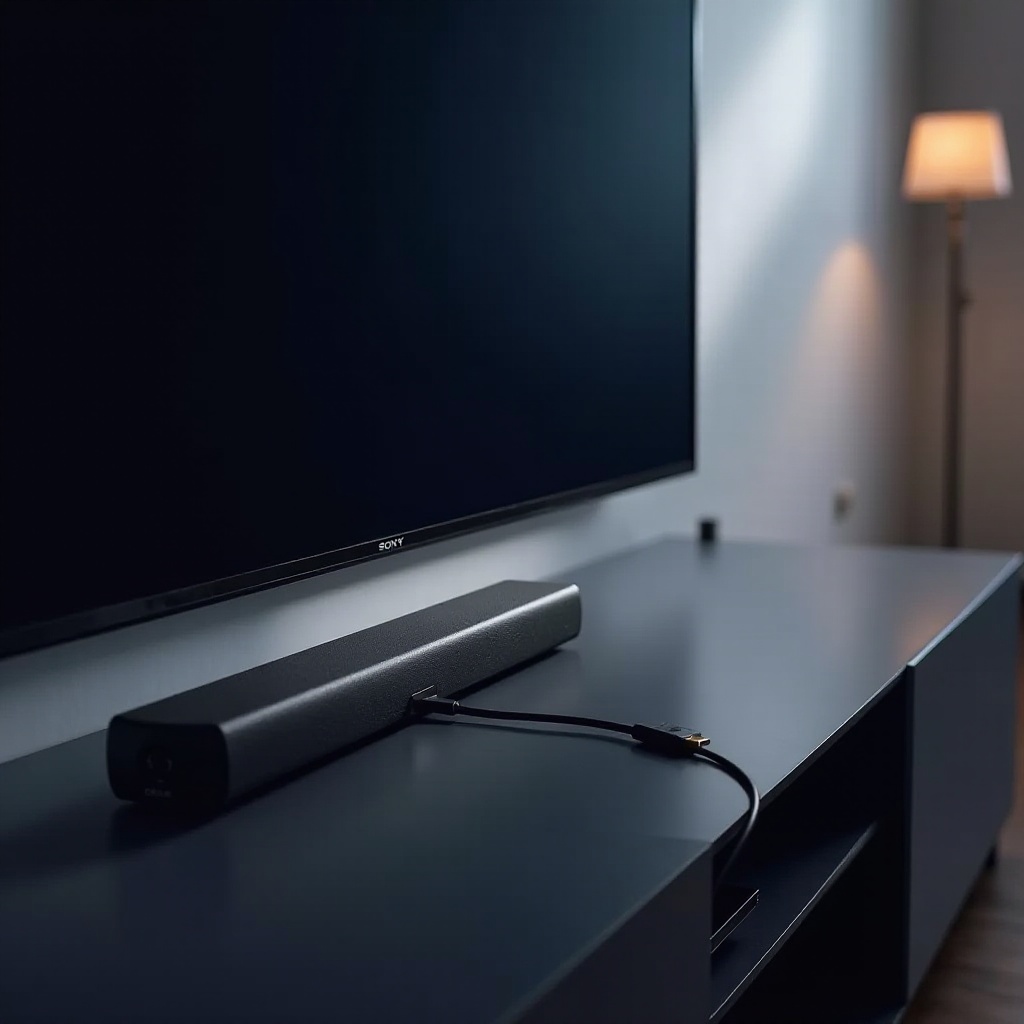
Enhancing Sound Quality and Performance
Proper configuration enhances your soundbar’s output, ensuring you get the most from your audio setup. Fine-tuning your settings allows you to personalize sound based on your preferences and environment.
Adjusting soundbar settings for optimal output
- Sound Modes: Select modes (e.g., cinema, music) based on content.
- Equalizer Settings: Customize bass, mids, and treble.
- Surround Effects: Modify settings according to room acoustics.
Maximizing audio experience with HDMI ARC
- Ensure all devices support high-resolution audio.
- Use the soundbar’s app for customized settings if available.
- Regular updates for software ensure compatibility and performance.
Adjusting these settings completes your sound system setup, allowing you to enjoy a seamless and immersive audio experience.
Conclusion
By setting up your Sony soundbar with an HDMI ARC cable correctly, you simplify connectivity and enhance sound quality, creating a streamlined, high-performance audio experience. Enjoy cinema-like sound in your living space with ease.
Frequently Asked Questions
What should I do if there’s no sound from my Sony soundbar using HDMI ARC?
Ensure the HDMI ARC cable is correctly connected and set the TV to output audio through HDMI ARC. Also, verify HDMI-CEC is enabled on both TV and soundbar.
Can I use any HDMI cable for ARC connections?
Not all HDMI cables support ARC functionality. Use a high-speed HDMI cable that explicitly supports ARC for best performance.
How can I check if my TV supports HDMI ARC?
Look for an ‘ARC’ label on the TV’s HDMI port or refer to the user manual or online specifications. ARC support is common post-2009 TVs.